A common question from Tesla owners: “If I stop paying for Premium Connectivity, will my garage door still open?” The short answer is usually yes, but it depends on which system your car uses. Tesla cars can open garages two different ways, HomeLink and myQ, and they work very differently.
Quick answer
- HomeLink: a radio transmitter built into the car. It talks directly to your opener and does not need Premium Connectivity, Wi-Fi or a data connection.
- myQ Connected Garage: works over the internet. Tesla’s manual says the car needs Wi-Fi or LTE connectivity, plus a compatible myQ opener and a paid myQ subscription. Tesla doesn’t list Premium Connectivity as a requirement.
HomeLink: the radio remote built into your car
HomeLink works like the clicker clipped to your visor, using radio frequencies. Tesla’s owner’s manual says it can control up to three RF devices, such as garage doors, gates and lights. Because it’s radio, it doesn’t care about your data plan.
The catch: not every Tesla has it. Tesla notes that some vehicles aren’t equipped with HomeLink, depending on build date, region and options. Many newer Model 3 and Model Y vehicles were built without it, and Tesla has offered it as a paid accessory or retrofit for some cars. To check, look for HomeLink under Controls. If it isn’t there, your car probably doesn’t have the hardware.
How to set up HomeLink
- Park facing your garage door, within range of the opener.
- Tap the HomeLink icon at the top of the Controls screen, then Create HomeLink.
- Name the device and choose a mode (Standard, D-Mode or UR-Mode).
- Follow the on-screen steps. Some openers need you to press the “learn” button on the motor unit.
Once it’s set up, HomeLink remembers your garage’s location and can pop up, or even open the door automatically, as you arrive. For compatibility help, HomeLink provides support at homelink.com.
myQ Connected Garage: the internet option
Chamberlain/LiftMaster’s myQ system is built into Tesla’s touchscreen. According to myQ, it works with all Model 3, Model Y and Cybertruck vehicles and 2021+ Model S and Model X, so it’s the go-to option for cars without HomeLink.
Tesla’s setup instructions list these requirements:
- A myQ-compatible garage door opener. If yours isn’t compatible, an add-on myQ hub may work.
- A strong Wi-Fi signal in the garage, since the opener talks to myQ over your home Wi-Fi.
- A myQ account and paid subscription, bought in the myQ app. myQ offers a 30-day free trial.
- Up-to-date car software and Wi-Fi or LTE connectivity in the car.
So does myQ need Premium Connectivity?
Tesla’s instructions say “Wi-Fi or LTE connectivity” and don’t mention Premium Connectivity. Owners have reported myQ working without a Premium subscription (for example, on Reddit). In practice, though, a car without Premium has limited cell data, so myQ is most dependable when the car can reach your home Wi-Fi as you pull into the driveway. If your Wi-Fi doesn’t reach the driveway, you may see a delay or a failed command. A Wi-Fi extender near the garage often solves it.
Is Premium Connectivity worth keeping for other reasons?
In Canada, Premium Connectivity has been reported at $13.99/month plus tax (Drive Tesla Canada). It adds things like live traffic visualisation, satellite maps, streaming music and video, and in-car browsing over LTE. It’s a nice-to-have, but your garage door shouldn’t be the reason you pay for it.
Troubleshooting tips
- HomeLink not appearing? Your car may not have the hardware. Check under Controls.
- myQ slow or failing? Check the Wi-Fi signal in the garage and driveway, and make sure your myQ subscription is still active.
- Door stopped working after an update? Re-link myQ under the garage icon, or reprogram HomeLink. Then make sure the car’s software is current.
Bottom line
HomeLink works without any subscription at all, if your car has it. myQ needs a myQ subscription and a connection, ideally your home Wi-Fi, but Tesla doesn’t list Premium Connectivity as a requirement. Either way, you shouldn’t need Premium Connectivity just to get into your garage.
Have a question this guide didn’t answer? Ask over 17,000 Ontario Tesla owners in our Tesla Model Y & 3 [Ontario, Canada] Facebook group.
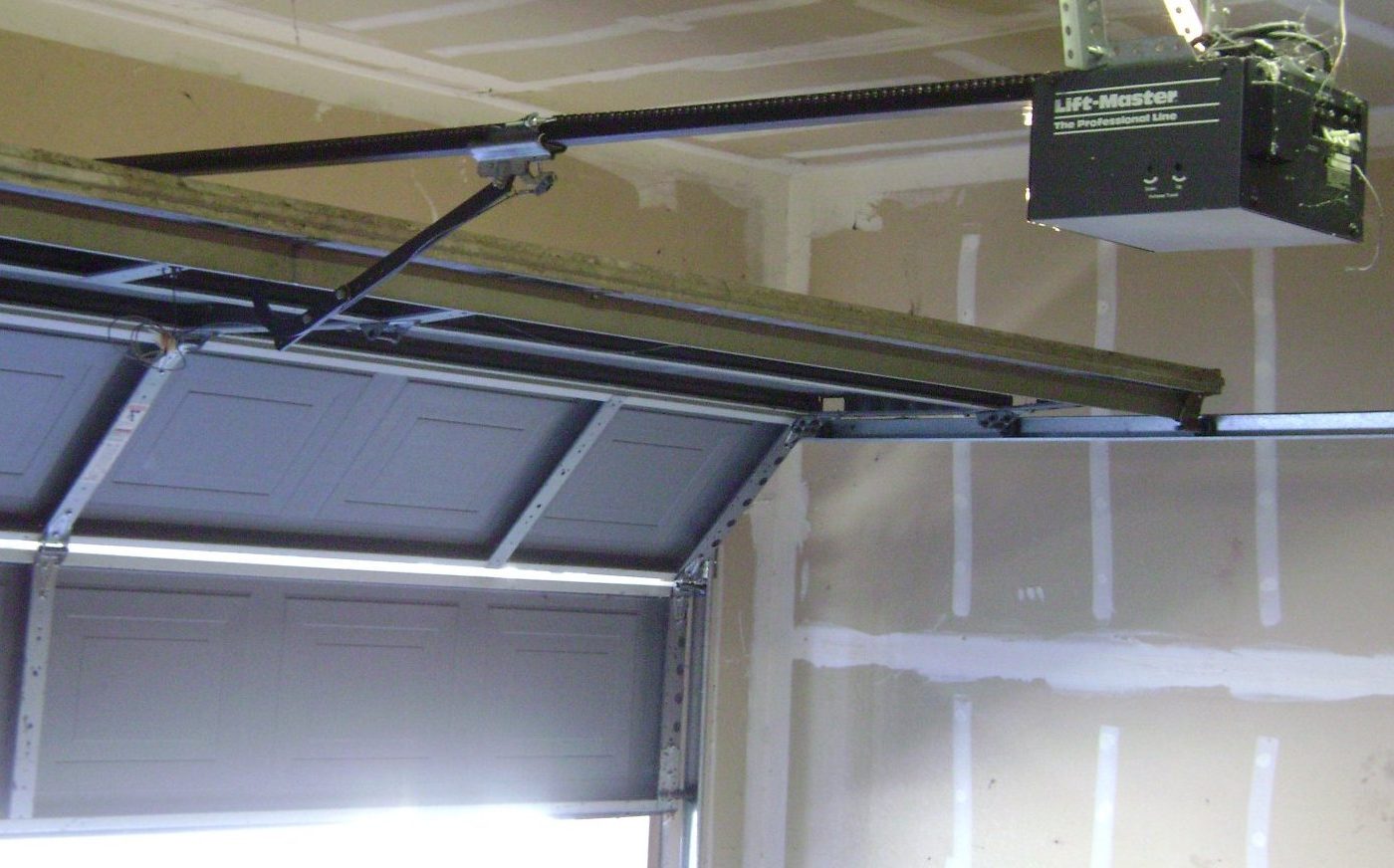
Photo: Oleg Alexandrov via Wikimedia Commons, Public domain.