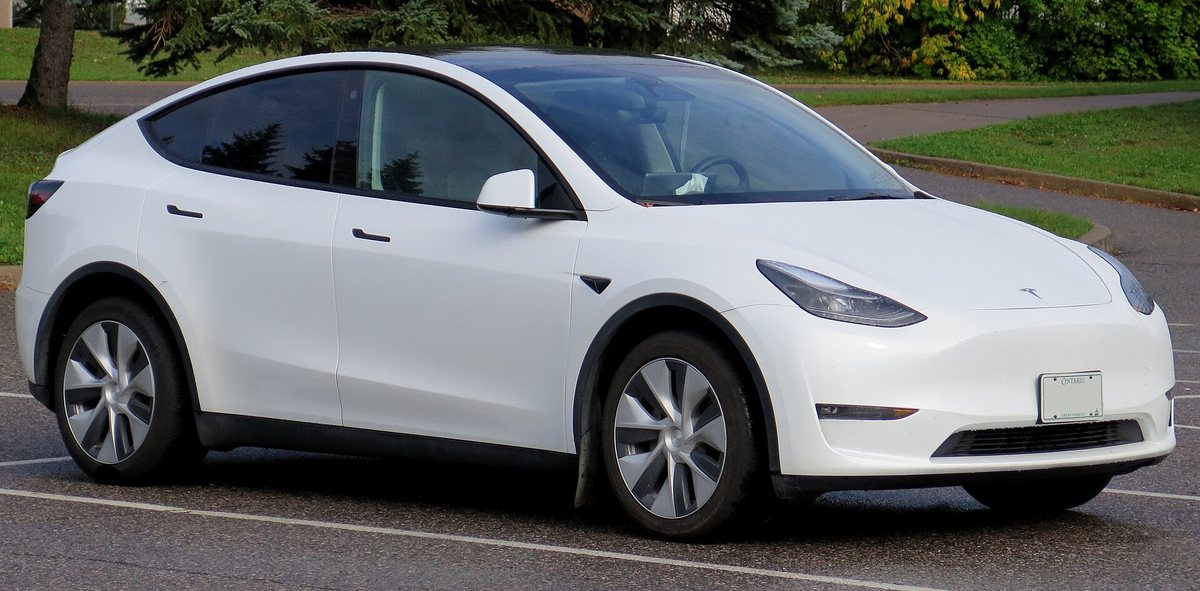
Car theft in Ontario has been falling, but it is far from solved. Équité Association, the insurance industry’s anti-fraud group, reported in February that thefts in Ontario dropped 22% in 2025 compared with 2024. The same report found that only 51% of vehicles stolen in Ontario were recovered, meaning nearly half were likely exported or broken up in chop shops. Across Canada, Équité estimates that auto theft still cost insurers about $900 million in claims in 2025.
Teslas come with more built-in security than most cars, but several of the best features are off by default or depend on how you set them up. This guide walks through the settings worth turning on, based on Tesla’s owner’s manual.
1. Turn on PIN to Drive
PIN to Drive is the single most useful anti-theft setting on a Tesla. When it’s enabled, the car cannot be driven until someone enters a 4-digit PIN on the touchscreen, even if they have a working key.
- How to enable it: touch Controls > Safety > PIN to Drive and follow the prompts. On some older Model 3 software, the menu is called Safety & Security.
- Valet mode: once PIN to Drive is on, you also use the PIN to enter Valet mode for the first time and to create a separate 4-digit valet PIN. In Valet mode, a valet can drive without your driving PIN.
- Forgot the PIN? Tap the link in the PIN pop-up and sign in with your Tesla account to reset it.
- Frozen screen? The manual says to restart the touchscreen first. If it’s still unresponsive, you can bypass PIN to Drive by turning on Keyless Driving in the Tesla app.
While you’re there, consider the Glovebox PIN under the same Safety menu. It protects whatever you keep in the glovebox, including the USB drive that stores your Sentry Mode footage.
2. Clean up your key list
Every phone key, key card and key fob that can open your car shows up under Controls > Locks. A Model Y supports up to 19 keys, so an old phone or a key card from a previous owner can easily stay on the list for years.
Go through it now. If you don’t recognize a key, or it belongs to a phone you no longer use, tap its trash icon and confirm the deletion by scanning an authenticated key card or fob. The car requires at least one authenticated key card or fob at all times. If you lose your phone or a key card, remove it from this list right away.
Also keep Walk-Away Door Lock on if you use a phone key, so the doors lock automatically when you walk away with your phone.
3. Set up Sentry Mode properly
Sentry Mode keeps the cameras and sensors powered on and ready to record suspicious activity while the car is locked and in Park. For it to actually save video, the manual says Dashcam must be on and a properly formatted USB drive must be inserted, preferably in the glovebox port.
You can set Sentry Mode to turn on every time you leave the car, then use Exclude Home, Exclude Work and Exclude Favorites to keep it off in your own driveway or other trusted spots. Two limits to know: Sentry Mode needs the battery to be at least 20% charged and turns off below that, and it can increase power use. Tesla also cautions owners not to rely on Sentry Mode to protect the car from every possible threat.
4. Check the alarm settings
When no authenticated key is detected and a locked door or trunk is opened, the alarm sounds and the lights flash. You can turn the alarm on or off under the Safety menu. On cars with Tesla’s optional security package, a battery-backed siren can also sound if the car detects motion in the cabin or is moved or tilted, for example by a tow truck or a jack. The Tilt/Intrusion setting must be on for that, and the Security Alarm must be enabled first. If you leave a pet or anything that moves in the locked car, the manual says to turn Tilt/Intrusion off.
5. Protect the account, not just the car
Your Tesla account can unlock and start the car from anywhere, so treat it like your bank login. Use a strong, unique password and turn on multi-factor authentication in your Tesla account settings. Review which drivers have access in the app, and remove anyone who no longer needs it.
What it means for Canadian owners
Ontario’s falling theft numbers are good news, but a 51% recovery rate means that if a car is taken, the odds of getting it back are close to a coin flip. For a Tesla owner, ten minutes of setup can make a big difference: PIN to Drive, a cleaned-up key list, Sentry Mode with a working USB drive, and a secure account.
It may also help with your insurance conversation. Ask your broker whether they offer discounts for anti-theft features, and read our Model Y owner’s guide or Model 3 owner’s guide for more first-week settings worth checking.
Do you use PIN to Drive every day? Tell us how you secure your Tesla, and swap tips with 18.0K owners in Tesla Model Y & 3 [Ontario, Canada]. Come join us!
On X? Join our community Tesla Model* [Ontario, Canada] too.