Owners of older Teslas with the Intel Atom infotainment computer have been left out of Grok since it arrived in Tesla vehicles. That could change. Software update 2026.38 quietly added Grok support files to Intel-powered Model 3 and Model Y builds, Not a Tesla App reports.
Grok running on an Intel Tesla
A Model 3 owner with root access got Grok running on their car’s Intel Atom computer by flipping a feature flag, along with Tesla’s full-screen parked vehicle visualization. According to Not a Tesla App, both features ran with “surprisingly solid framerates.”
Tesla hacker greentheonly confirmed the change, Not a Tesla App reports, saying that “the Intel model 3 did get them added in 2026.38 so enabling it looks feasible indeed.” He also noted that legacy Model S and Model X cars on the Intel chip still don’t have the Grok support files.
Is Grok on Intel cars official?
No. Tesla hasn’t said whether it will turn Grok on for Intel cars. Its Grok support page still lists these requirements:
- An AMD processor
- Vehicle software version 2025.26 or later
- Premium Connectivity or a Wi-Fi connection
Not a Tesla App suggests the files could be groundwork for bringing Grok to some older cars, possibly with this year’s Holiday Update, since Grok runs mostly in the cloud. But it’s not guaranteed: assets for full-screen park visualizations have sat on Intel cars for a while without being enabled, and greentheonly said he doesn’t know whether Tesla will switch Grok on.
Meanwhile, Tesla has removed the beta label from Grok in update 2026.38.6 for the Model S, 3, X, Y and Cybertruck, according to Not a Tesla App’s release notes.
Which chip does your Tesla have?
On the touchscreen, go to Controls > Software > Additional Vehicle Information to see your infotainment processor. If it says Intel, there’s nothing to switch on yet. Rooting your car isn’t something we’d recommend; just keep your software up to date and watch the release notes.
What it means for Canadian owners
Grok is already here for newer cars. Grok launched for Canadian Teslas with AMD Ryzen infotainment computers in October 2025, Drive Tesla Canada reports, and update 2026.38.6 drops the beta label in Canada as well. If your car has an AMD chip and you have Premium Connectivity or Wi-Fi, you can use it today.
Older Model 3s and Model Ys are the ones waiting. Many early Canadian Model 3 and Model Y cars, mostly from before the switch to AMD chips, still run the Intel Atom computer. Those are the cars that got the new support files in 2026.38. Owners of legacy Intel Model S and Model X cars are further back in line, because their builds don’t include the files at all.
Don’t pay for anything yet. Grok needs Premium Connectivity or Wi-Fi even on supported cars. If you have an Intel car, there’s no reason to add Premium Connectivity just for Grok until Tesla actually turns it on. Watch the release notes for the Holiday Update in December instead.
Keep warranty and safety in mind. The owner in the video used root access to flip the feature flag. Rooting a car can put your warranty at risk and is not something Tesla supports, so we wouldn’t try it on a daily driver.
Cold weather tip: Grok runs in the cloud, so it depends on a good data connection. In underground parking or rural parts of Ontario with weak LTE, expect it to be slower or unavailable, on any chip.
How to use Grok in a supported Tesla
- Make sure your car has an AMD processor and recent software (Controls > Software).
- Connect to Premium Connectivity or Wi-Fi, as Tesla’s support page requires.
- Start a conversation using the voice button on the steering wheel or the Grok app on the touchscreen, depending on your car and software. Your owner’s manual and Tesla’s support page have the current steps.
Grok is a conversational assistant. When it first arrived in Teslas, Tesla said it couldn’t control the car’s functions, and regular voice commands kept working as before. Check the latest release notes for what it can do on your build.
Tips for Intel owners
- Keep your software up to date. If Tesla enables Grok on Intel cars, it will come through a normal update.
- Don’t root or modify your car. It can affect your warranty and your car’s safety systems.
- Watch for the Holiday Update, which Tesla usually releases in December, but don’t count on Grok being in it.
FAQ
Does Grok need Premium Connectivity?
Tesla’s support page says it needs Premium Connectivity or a Wi-Fi connection.
Why do some updates reach my car later?
Tesla rolls updates out in waves. See our explainer on why Tesla owners get different software versions.
Driving an older Model 3 or Model Y? Tell us if you’d use Grok in Canada’s most active Tesla Facebook group, Tesla Model Y & 3 [Ontario, Canada], where 18.0K owners compare notes every day.
On X? Join our community Tesla Model* [Ontario, Canada] too.
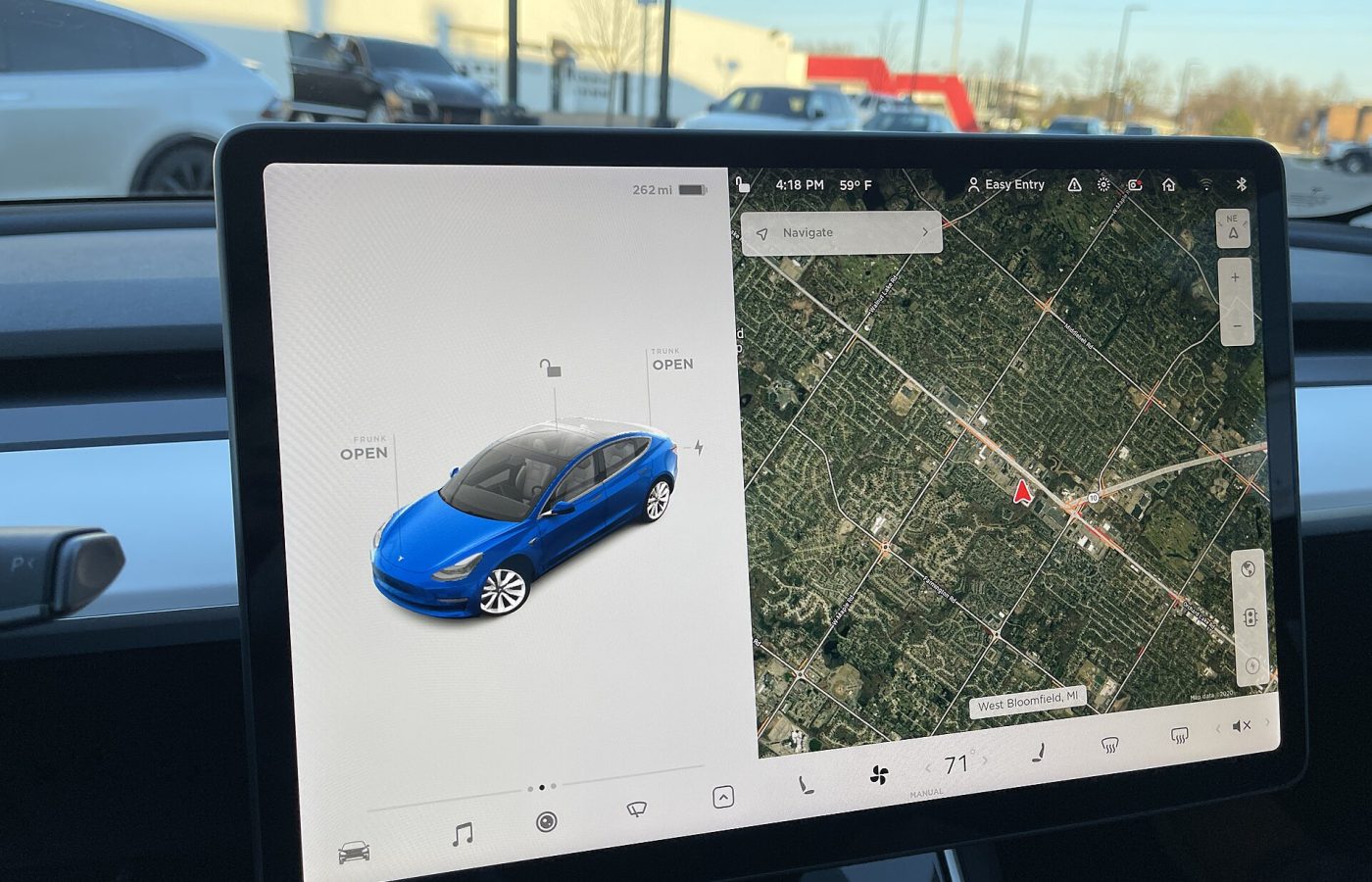
Featured image: Tesla Model 3 touchscreen. Photo: SirAsdof via Wikimedia Commons (CC BY-SA 4.0).